
You can protect your sleep cycle with these five blue light blocking solutions: F.lux automatically adjusts your screen’s color temperature based on your location and time, while Apple’s Night Shift provides built-in blue light filtering for iOS and macOS devices. Android users benefit from Twilight’s customizable brightness controls and preset filters. Blue Light Filter Night Mode apps transform harsh whites into warmer amber tones for late-night use. Windows users can activate the native Night Light feature to reduce blue light emission during evening hours, helping preserve your natural melatonin production and circadian rhythms for better rest quality.
F.lux: Automatic Color Temperature Adjustment Based on Time of Day
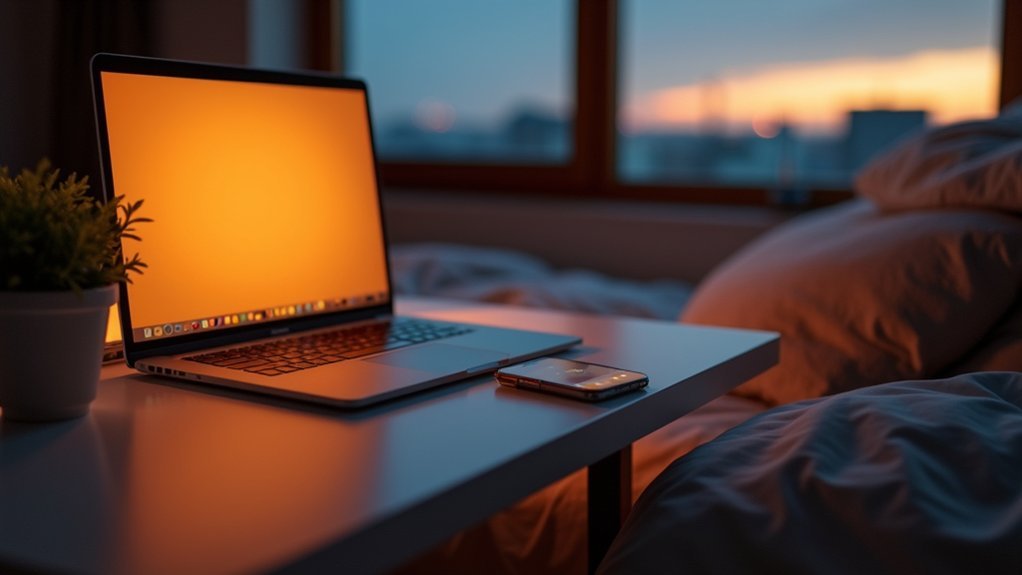
When evening arrives, F.lux automatically shifts your screen’s color temperature from cool blue tones to warmer hues, effectively reducing blue light exposure that can interfere with your sleep cycle.
This free software mimics natural daylight variations by monitoring your geographical location and time, seamlessly altering computer screens throughout the day without manual intervention.
F.lux automatically adjusts display settings to filter out blue light that contributes to eye strain during extended screen use.
F.lux reduces harmful blue light emissions from your display, minimizing digital eye strain during prolonged computer sessions.
The app works by turning off blue sub-pixels on LCD displays, though it can’t completely eliminate all blue light due to backlight bleeding.
You can customize settings based on your lighting preferences and location.
Available across macOS, Windows, and Linux platforms, F.lux helps improve sleep quality by making late-night screen activities more comfortable for your eyes.
Night Shift: Built-In Blue Light Filter for Ios and Macos Devices
Since Apple recognized the growing concern about blue light’s impact on sleep, the company developed Night Shift as a built-in solution for iOS and macOS devices.
This blue light filter automatically adjusts your screen’s color temperature to reduce blue light during evening hours, helping protect your eyes from harmful exposure to blue light.
You can schedule Night Shift to activate from sunset to sunrise or enable it manually when needed.
The feature reduces blue light emission from your electronic devices by shifting the display toward warmer tones.
You’ll find customizable warmth settings that let you control how much the color temperature changes.
This built-in solution eliminates the need for third-party apps while promoting better sleep hygiene across all your Apple devices.
Twilight: Android Blue Light Filter With Customizable Brightness Controls

While Apple users benefit from Night Shift’s built-in protection, Android users can achieve similar results with Twilight, a dedicated blue light filter app that offers enhanced customization options. You’ll find blue light filters that adapt automatically to sunset times, protecting your circadian rhythm from disruptive blue light emission.
| Feature | Standard Mode | Custom Mode |
|---|---|---|
| Brightness Control | Auto-adjust | Manual settings |
| Color Temperature | Preset filters | Personalized warmth |
| Scheduling | Sunset-based | Time-specific |
| Screen Exposure | Reduced evening | Controlled anytime |
| Sleep Enhancement | Basic protection | Optimized filtering |
Twilight’s customizable brightness controls let you reduce blue light exposure precisely to your preferences. You can schedule activation times to limit harmful screen exposure before bedtime, helping enhance sleep quality by minimizing disruptions to melatonin production.
Blue Light Filter Night Mode: Eye Strain Relief for Late-Night Screen Use
As evening hours extend your screen time, Blue Light Filter Night Mode apps provide targeted relief from the harsh blue light that strains your eyes and disrupts natural sleep patterns.
These applications effectively filter out the blue light emitted by your device’s display, transforming harsh whites into warmer, amber-toned colors that won’t interfere with your body’s natural processes.
You’ll notice immediate relief from eye strain during late-night browsing, reading, or work sessions.
Blue light filter apps automatically adjust your screen’s color temperature as night approaches, protecting your circadian rhythms from disruption.
This targeted filtering leads to improved sleep quality by preserving your body’s melatonin production, which blue light typically suppresses.
With customizable intensity settings, you can fine-tune the filter strength to match your comfort level while maintaining screen visibility.
Night Light: Windows 10 and 11 Native Blue Light Reduction Feature
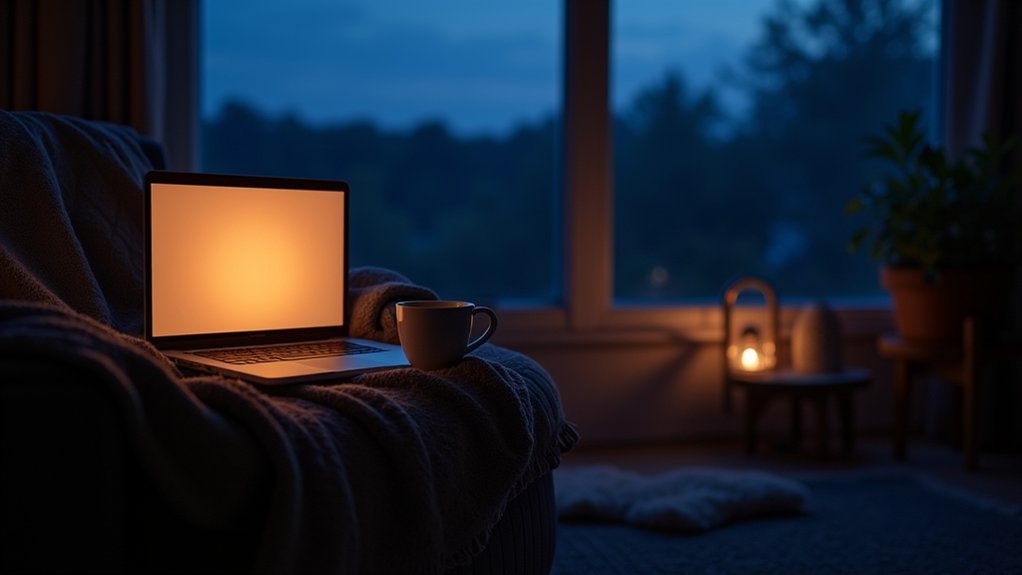
Windows users don’t need to install third-party applications to benefit from blue light reduction. Your computer’s built-in Night Light feature automatically changes your screen’s color temperature to warmer tones, helping reduce blue light exposure during evening hours.
You’ll find this filter in Settings > System > Display, where you can enable and customize it according to your preferences.
Night Light can be scheduled to activate automatically from sunset to sunrise or during specific times you choose. The adjustable slider lets you control how warm your display appears, giving you flexibility based on your comfort needs.
Frequently Asked Questions
Do Blue Light Blocking Apps Work?
Blue light blocking apps partially work by reducing screen color temperatures, but they don’t eliminate all blue light exposure. You’ll see better results when you combine them with other protective measures like blue light glasses.
What Is the Best App to Remove Blue Light?
You’ll find F.lux works best across multiple platforms with automatic adjustments. If you’re using iOS, Night Shift’s built-in convenience can’t be beaten. Android users should try Twilight for customizable filtering options.
Does Blue Light Blocking Actually Work?
You’ll likely experience some benefits from blue light blocking, especially improved sleep quality and reduced eye strain. However, results vary between individuals, and you won’t see complete blue light elimination from apps alone.
Does Turning off the Blue Light Actually Help?
You’ll likely notice improved sleep quality when you reduce blue light exposure at night. It helps your body produce melatonin naturally, making it easier to fall asleep and maintain healthy circadian rhythms.


