You’ll find these seven apps essential for managing your unpredictable shift worker sleep schedule. Sleep Cycle provides intelligent analysis and wakes you during lighter sleep phases, while Shift Worker offers specialized tracking for irregular hours. Pillow recognizes your rotating shift patterns with detailed cycle breakdowns, and Sleep Score delivers thorough rest quality assessments. AutoSleep automatically detects sleep for Apple Watch users, Noisli optimizes your sleep environment with ambient sounds, and F.Lux manages blue light exposure. Each app addresses your unique rest challenges with personalized insights.
Sleep Cycle – Intelligent Sleep Analysis for Rotating Schedules
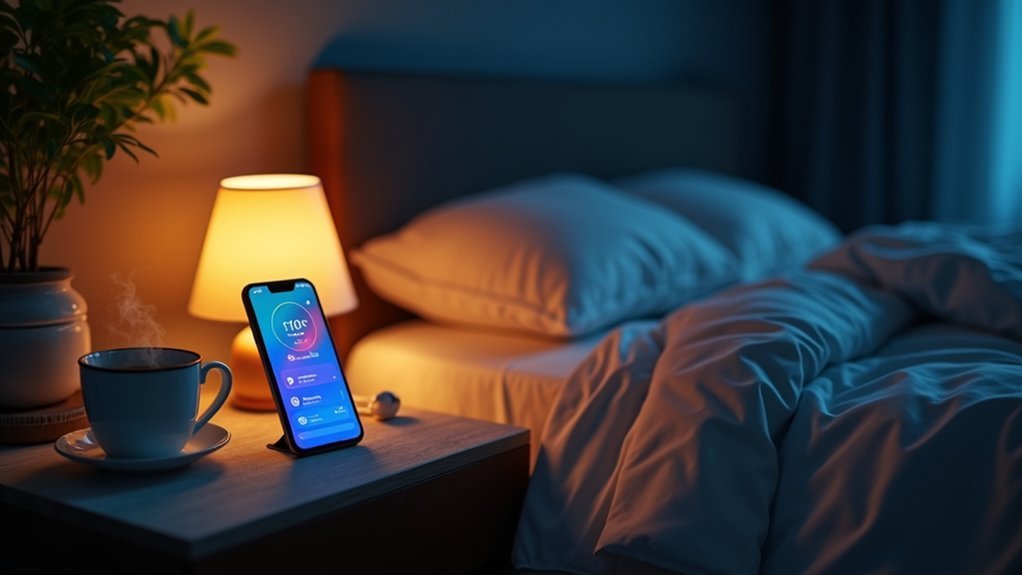
When you’re juggling rotating shifts, Sleep Cycle transforms how you approach rest by delivering intelligent sleep analysis tailored specifically for irregular schedules.
The app’s advanced algorithms track your sleep quality and wake you during lighter sleep phases, helping you feel more refreshed despite challenging work patterns.
You’ll benefit from personalized insights that reveal how shift workers like yourself can optimize rest.
Sleep Cycle’s smart alarm awakens you within a 30-minute window, perfectly aligning with your varying wake-up times.
The app provides detailed sleep statistics and trends, enabling you to identify patterns in your rotating schedules.
Shift Worker – Specialized Sleep Tracking for Irregular Hours
Building on sophisticated sleep analysis, the Shift Worker app takes specialization further by addressing the unique challenges that irregular hours create for your sleep patterns.
This dedicated platform understands that shift workers face heightened risks of chronic health issues due to disrupted circadian rhythms. The app provides personalized sleep recommendations tailored specifically to your rotating schedule, helping you maintain consistent sleep quality despite unpredictable work hours.
You’ll receive targeted guidance on sleep hygiene practices and light exposure techniques designed to regulate your internal clock.
The specialized tracking features monitor your unique rest cycles, offering insights that generic sleep tracking apps can’t provide. By focusing on your irregular schedule’s demands, it promotes more restorative sleep and helps prevent the health complications commonly associated with shift work.
Pillow – Advanced Sleep Monitoring With Shift Pattern Recognition
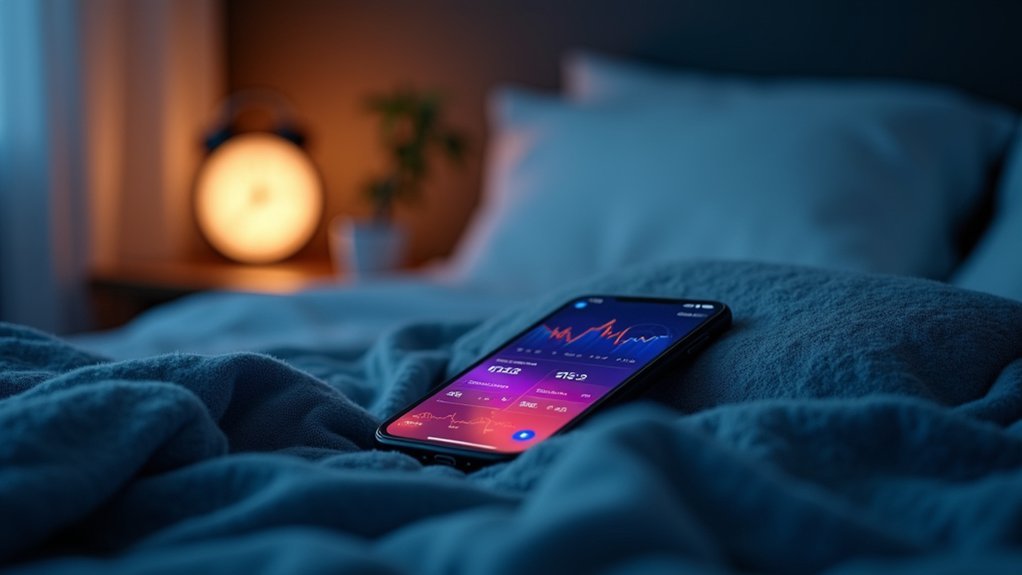
Everyone knows that tracking sleep patterns becomes exponentially more complex when you’re working rotating shifts, but Pillow’s advanced algorithms specifically recognize these irregular patterns to deliver meaningful insights.
This sleep monitoring app analyzes your work schedules to provide detailed breakdowns of REM, light, and deep sleep cycles. You’ll understand exactly how your irregular hours affect sleep quality and overall sleep health.
Pillow’s smart alarm wakes you during light sleep phases, optimizing alertness for shift workers. You can manually log sleep data while the app examines how lifestyle choices impact your rest.
The Apple Health integration creates a thorough wellness overview, making Pillow an invaluable tool for managing the unique sleep challenges that come with non-traditional work patterns.
Sleep Score – Comprehensive Rest Quality Assessment for Night Workers
Since night shift workers face unique sleep challenges that standard apps often overlook, Sleep Score delivers targeted rest quality assessments specifically designed for irregular schedules.
You’ll receive personalized insights that analyze your sleep duration, stages, and disturbances to create a thorough overview of your rest management needs.
The app helps you understand sleep trends over time, enabling better adjustments for health maintenance despite irregular work patterns.
Key features include:
- Advanced algorithms that assess sleep quality specifically for night shift workers
- Sleep environment evaluations measuring light and noise levels
- Personalized recommendations for improving sleep hygiene
- Long-term tracking capabilities for identifying patterns
Given that night shift workers face higher risks for sleep disorders, Sleep Score’s targeted approach helps you establish ideal sleeping conditions and maintain better overall well-being.
AutoSleep – Automatic Sleep Detection for Apple Watch Users
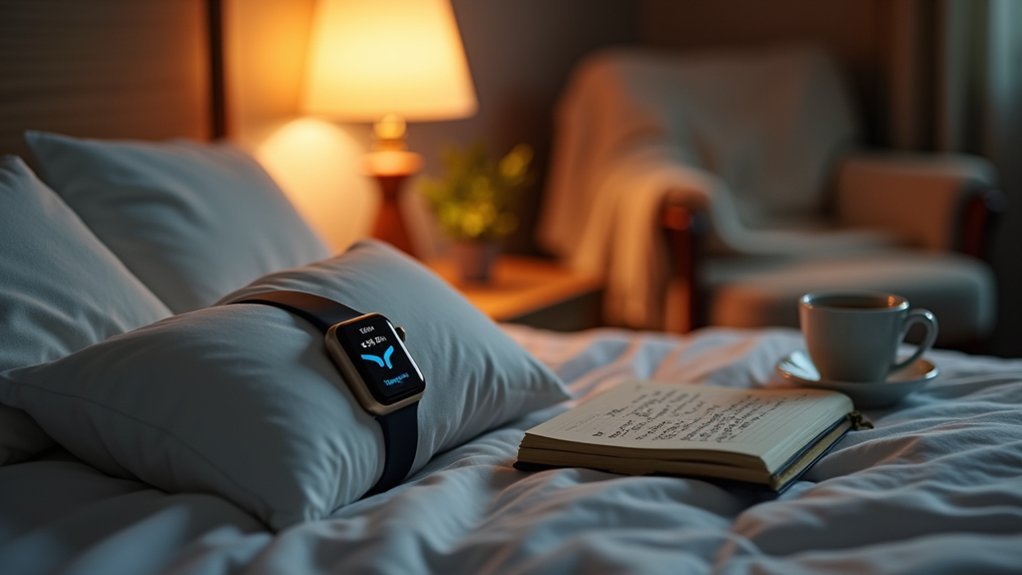
While Sleep Score requires manual input and setup, AutoSleep eliminates the hassle by automatically detecting your sleep patterns through your Apple Watch.
This automatic sleep detection makes it perfect for Apple Watch users who want effortless sleep tracking during irregular shift schedules.
You’ll receive detailed insights into your sleep quality, including deep sleep, light sleep, and awake periods.
The app provides thorough statistics and trends that help you identify what impacts your rest during rotating shifts.
You can set personalized sleep goals and adjust customizable settings to match your unique schedule.
AutoSleep integrates seamlessly with the Apple Health app, giving you a complete view of your well-being alongside other health metrics—essential for maintaining peak health during demanding shift work.
Noisli – Background Sound and Sleep Environment Optimization
You’ll find Noisli’s ambient sound features particularly valuable when you’re trying to sleep during daylight hours or in noisy environments.
The app’s customizable audio settings let you mix and match sounds like rain, wind, and white noise to create your perfect sleep atmosphere.
These background sounds effectively mask disruptive noises that typically interfere with shift worker rest, leading to measurable improvements in your overall sleep quality.
Ambient Sound Features
Creating the perfect sleep environment becomes considerably easier with Noisli’s extensive ambient sound features.
You’ll discover how this app transforms your rest management through carefully designed background sounds that promote both focus and relaxation. The ambient sound library directly impacts your cognitive performance by reducing distractions that typically plague shift workers during irregular hours.
Key features that enhance your productivity include:
- Customizable sound combinations – Mix rain, wind, and white noise to create your ideal audio environment
- Volume control settings – Adjust each sound independently for personalized comfort levels
- Built-in timer functionality – Supports structured work and rest periods to prevent burnout
- Cross-platform accessibility – Available on mobile devices and web platforms for consistent use anywhere
These features collectively support superior sleep quality regardless of your shifting schedule demands.
Sleep Quality Enhancement
Beyond providing the right sounds for concentration, Noisli’s primary strength lies in its ability to greatly improve your sleep quality through scientifically-backed audio optimization.
The app creates a restful environment by masking disruptive noises that typically interrupt shift workers’ irregular sleep patterns. You’ll find the user-friendly interface makes it effortless to blend ambient sounds like rain and white noise into personalized soundscapes for maximum relaxation.
Research confirms that background sounds reduce stress and enhance focus, making Noisli valuable beyond sleep enhancement.
The app’s built-in timer and productivity tools help you manage work periods effectively while maintaining a consistent sleep schedule. You can quickly adjust sound volumes and mixes, creating your ideal auditory setting whether you’re winding down after night shifts or preparing for rest.
Customizable Audio Settings
Although many audio apps offer basic sound options, Noisli’s customizable audio settings let you craft precise audio environments that adapt to your changing shift schedules and sleep needs.
You’ll mix different ambient sounds like rain, thunder, and coffee shop chatter to create your personalized audio landscape that enhances focus, productivity, and relaxation.
The app’s flexibility addresses shift workers’ unique challenges:
- Volume Control: Adjust individual sound levels to match your mood and environment
- Sound Library: Access diverse ambient sounds designed for different work atmosphere needs
- Playlist Creation: Save favorite combinations for quick access during future sessions
- Cross-Platform Access: Use on mobile devices and desktop for consistent sleep environment optimization
You can seamlessly switch between energizing work sounds and calming sleep environments.
F.Lux – Blue Light Management for Better Pre-Sleep Preparation
When you’re staring at screens during late-night shifts, F.Lux becomes an essential tool for protecting your sleep quality by automatically adjusting your computer’s color temperature throughout the day.
This blue light management application helps shift workers reduce blue light exposure that disrupts sleep patterns and circadian rhythms. You can customize settings based on your schedule, adapting to warmer tones during pre-sleep preparation hours.
F.Lux gradually changes your screen’s colors to minimize the sleep-disrupting effects of excessive screen time. Research shows this approach can improve sleep quality and better sleep duration for workers with irregular schedules.
Users report feeling more refreshed and experiencing fewer sleep disturbances, making F.Lux invaluable for managing the unique rest challenges shift workers face daily.
Frequently Asked Questions
What Is the Best App for Staff Rosters?
You’ll want apps with drag-and-drop scheduling, auto-scheduling capabilities, and shift swapping features. Look for tools offering time-off management, real-time notifications, and detailed analytics to optimize your workforce efficiency and reduce labor costs effectively.
What Is the Shift Manager Program?
The shift manager program’s a scheduling tool that’ll help you optimize labor costs while meeting staffing needs. You’ll get real-time budget calculations, manage time-off requests, and improve team communication through centralized platforms.
What Is the Best Employee Scheduling App?
You’ll find Connecteam and Homebase excel for general scheduling, while Sling and 7shifts specialize in restaurant management. They’ll save you 140 hours annually with drag-and-drop scheduling, auto-scheduling, and mobile accessibility features.
How to Manage Staff Scheduling?
You’ll manage staff scheduling effectively by using drag-and-drop scheduling apps, implementing auto-scheduling tools, enabling shift swapping, tracking PTO properly, and analyzing labor costs through detailed reporting features.
In Summary
You’ve got seven powerful tools to transform your shift work sleep challenges. Whether you’re tracking irregular patterns, optimizing your sleep environment, or managing blue light exposure, these apps adapt to your unique schedule. Don’t let rotating shifts sabotage your rest quality any longer. Download the ones that match your needs and start building healthier sleep habits today. Your body and mind will thank you for prioritizing recovery.


