
To create effective rest pattern tracking templates, you’ll want to establish clear hourly intervals and color-code different sleep stages like REM, light, and deep sleep for instant visual recognition. Include essential data fields for timestamps, duration, quality ratings, and external factors like stress or caffeine intake. Build flexibility into your design with customizable fields for varying schedules, nap tracking, and shift work patterns. Incorporate visual elements like heat maps and charts to spot trends quickly. Set up regular weekly review sessions to analyze your data and adjust your tracking methods based on what you discover about your unique sleep patterns.
Design Your Template With Clear Time Intervals and Sleep Stages
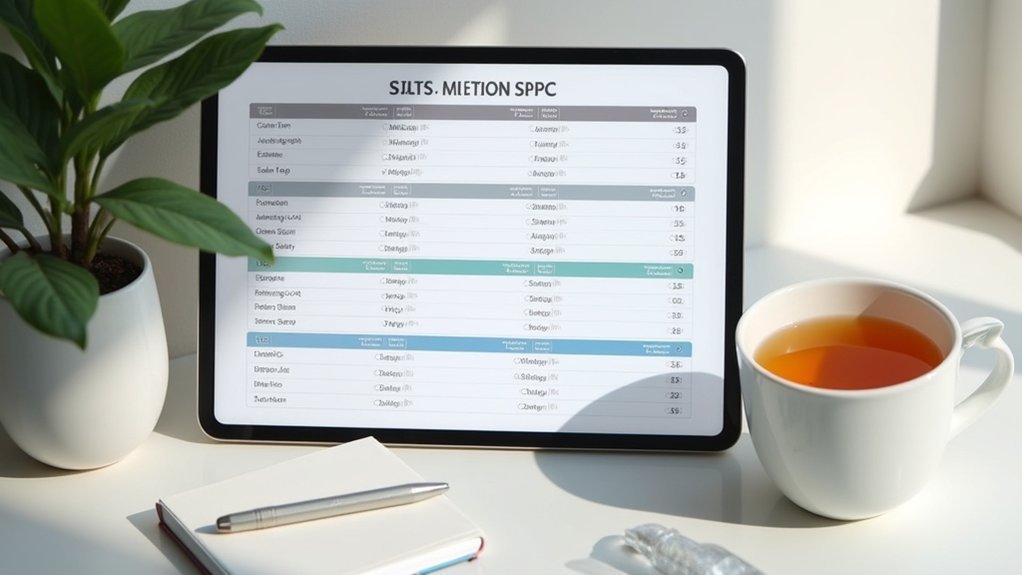
When creating your rest pattern tracking template, you’ll need to establish clear time intervals that work with your natural sleep schedule. Use hourly or half-hourly segments to accurately log your sleep durations and wake times. This foundation enables precise tracking progress over weeks and months.
Next, incorporate distinct sleep stages including light sleep, deep sleep, and REM sleep for a thorough overview of your rest quality. Implement color coding for each stage to enhance visual clarity – you’ll quickly identify patterns at a glance.
Include space for documenting external factors like stress levels or caffeine intake, as these correlate directly with sleep quality variations. This systematic approach transforms raw data into personal insights, greatly improving your template’s effectiveness in optimizing your rest patterns.
Include Essential Data Fields for Comprehensive Rest Analysis
Beyond establishing time intervals and sleep stages, you’ll want to incorporate specific data fields that capture the full scope of your rest experience. Effective rest period tracking requires extensive data collection beyond basic timestamps. Your time management templates should include duration measurements to analyze total rest time against active work hours. Quality of rest metrics, such as sleep quality ratings and subjective feelings upon waking, provide vital insights into recovery effectiveness.
| Data Field | Purpose |
|---|---|
| Activity Log | Track meditation, exercise, leisure activities |
| Environmental Factors | Monitor noise levels, light exposure |
| Timestamps | Document start/end times for pattern analysis |
| Duration Tracking | Calculate total rest versus work hours |
| Quality Ratings | Assess refreshment and effective recovery |
This extensive guide approach guarantees your activity log captures which rest activities contribute most to successful recovery.
Incorporate Visual Elements for Easy Pattern Recognition

Data collection forms the foundation, but visual elements transform raw numbers into instantly recognizable patterns that reveal your rest quality trends.
Color-coding helps you quickly identify differences in sleep duration and quality at a glance, making pattern recognition effortless. Graphical representations like bar charts and pie graphs summarize your data over specific timeframes, allowing you to enhance analysis effectively.
Visual data transforms sleep tracking from confusing numbers into clear, actionable insights that reveal your rest patterns instantly.
Icons or symbols next to entries provide immediate context about rest types and perceived quality. Heat maps within your tracking templates visualize your most and least restful days, highlighting connections between sleep patterns and daily stressors.
Regular updates based on user feedback guarantee your template maintains an intuitive design that evolves with your monitoring needs.
Build in Flexibility for Different Sleep Schedules and Lifestyles
Since everyone’s sleep schedule differs dramatically, your tracking template must adapt to accommodate shift workers, frequent travelers, and those with irregular commitments.
Build flexibility into your templates by incorporating customizable fields that allow different wake-up and sleep times daily. This accommodates diverse lifestyles and varying personal goals effectively.
Include separate tracking sections for naps alongside nighttime rest, recognizing that peak functioning often requires additional daytime sleep.
Implement visual cues like color-coding to distinguish between full nights and shorter rest periods, making your data instantly recognizable.
Add dedicated spaces for noting external factors such as travel, stress, or work changes that influence your sleep schedules.
This thorough understanding of your rest patterns enables better analysis and helps identify what truly affects your sleep quality across different circumstances.
Establish Regular Review and Adjustment Processes
Creating a flexible tracking template is only the beginning—you’ll need to regularly examine your data to uncover meaningful patterns and make informed adjustments.
Establish a routine for weekly or bi-weekly review sessions to analyze your tracking data and identify improvement opportunities. Use reflective journaling during these reviews to note how rest pattern changes correlate with your daily productivity and overall well-being.
Set specific goals like increasing average sleep duration by thirty minutes or reducing nighttime wake-ups, then monitor your progress consistently.
Create feedback loops by adjusting your tracking methods based on evolving needs and new insights about ideal rest quality. Modify your template when discoveries about your sleep patterns emerge, ensuring it continues capturing relevant data for meaningful analysis.
Frequently Asked Questions
How Often Should Employees Submit Their Rest Pattern Tracking Templates?
You should submit your rest pattern tracking templates weekly to maintain accurate records. This frequency allows you to capture detailed sleep data while avoiding overwhelming administrative tasks that daily submissions would create.
What Legal Requirements Must Rest Tracking Templates Meet for Compliance?
You’ll need templates that comply with DOT hours-of-service regulations, include mandatory data fields like duty periods and rest breaks, maintain accurate timestamps, and guarantee driver signatures for legal verification and audit protection.
Who Should Have Access to Employee Rest Pattern Data?
You’ll need to limit access to designated HR personnel, direct supervisors, and compliance officers who require this data for scheduling, safety monitoring, and regulatory reporting. Don’t share with unauthorized staff members.
How Can Managers Handle Employees Who Consistently Skip Tracking Their Rest?
You should address non-compliance directly through one-on-one conversations, understand underlying reasons, provide additional training if needed, implement gentle reminders, and establish clear consequences while emphasizing how tracking benefits their wellbeing.
What Training Should Staff Receive Before Using Rest Tracking Templates?
You’ll need training on template completion procedures, privacy regulations, accurate time recording methods, and understanding rest requirements. Staff should learn troubleshooting basics, data interpretation skills, and how tracking supports workplace safety compliance.




Leave a Reply